


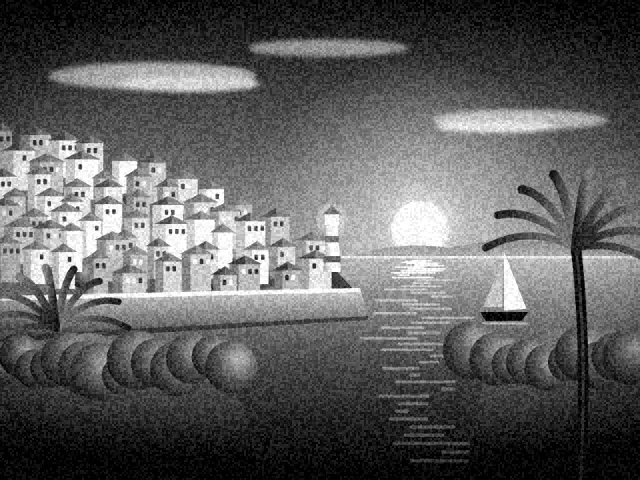
A classic high-speed black and white film
Ilford HP5 Plus is a 400 speed black and white film from Britain. Photojournalists and street photographers have relied on it for decades because it handles low light and can be pushed to higher speeds, which adds even more grain and contrast.
Its look is rich and textured, with deep blacks and bright highlights. It's the opposite of a smooth, clinical monochrome.
What this preset does to your photo
Your photo is converted to monochrome first. Shadows are pushed slightly darker, while midtones and highlights are lifted, and a strong contrast boost gives punchy blacks and clean whites.
The grain is one of the heaviest among the film looks, with a medium-coarse texture. A moderate vignette darkens the edges to draw the eye to the center of the frame.
The conversion is based on how bright each color is, so a red and a green of similar brightness end up as similar greys. Separation comes from light and shadow, not color, which is why lighting matters so much here.
How to get the best result
Black and white rewards strong light and shadow. Light from one side, like a window or a single lamp, gives faces shape. Flat, even light can look grey.
This is the natural match for a traditional booth strip: Classic Strip layout with the Film Strip or Darkroom frame. Four expressions in a row, in grainy black and white, is hard to beat.
Print the 4x6 sheet and you get two strips, one to keep and one to give away.
Tips
- Use side light to add depth to faces.
- Ignore clothing color. Think in contrast instead.
- Dark backgrounds make faces stand out.
- Try the Darkroom frame for a moody finish.
Questions
How is this different from the Acros and Noir looks?
Acros is smoother with finer grain, Noir is darker with harsher contrast. HP5 sits between them: punchy, grainy and natural.
Can I adjust the grain on its own?
No, grain is part of the preset. The intensity slider in the editor scales the whole look, including the grain.
Is this good for printing?
Yes. Black and white prints well, and the 4x6 export gives you two 2x6 strips on one sheet.