

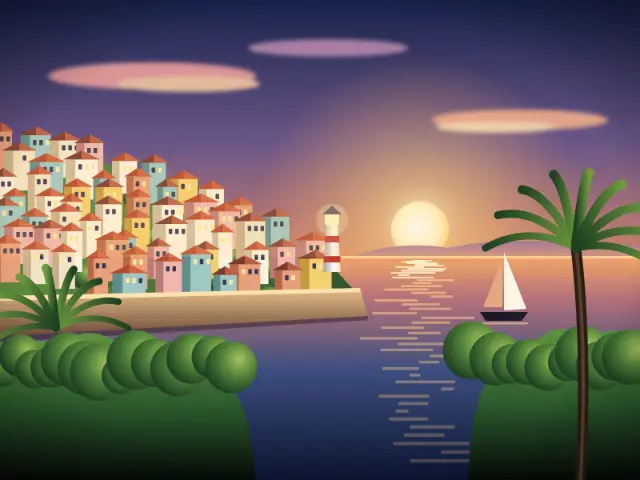
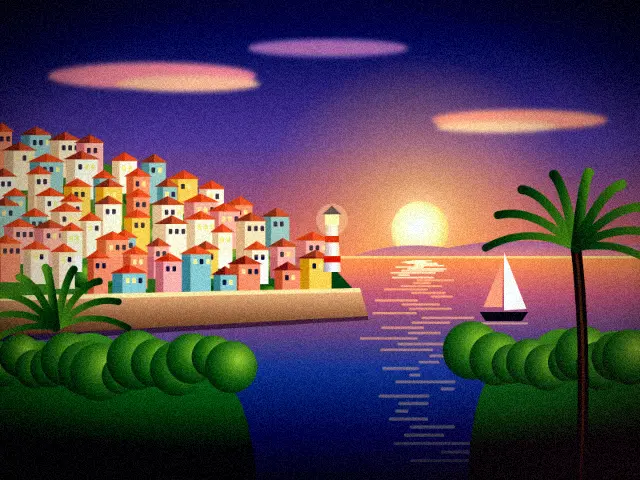
The neon sci-fi look
Cyberpunk stories imagine dense cities at night, lit by neon signs and screens. On film and in games, that world is usually shown with dark blue shadows, high contrast and splashes of pink and magenta light.
The style has spread into music videos, album art and night photography, especially of cities in the rain.
It feels moody, a little lonely and very modern.
What this preset does to your photo
Blue is lifted strongly, especially in the highlights, while red and green are cut in the shadows. The temperature shifts firmly cool and brightness drops, so the image goes dark and blue. Contrast is high and saturation rises.
A soft pink light leak glows from the bottom-right corner. A heavy vignette and fine grain complete the look.
With brightness lowered and contrast high, dim areas can fall to near-black, which is part of the look. Skin takes on a cool, bluish tone unless a warmer light is hitting it.
How to get the best result
Dark rooms with colored light are ideal: LED strips, a monitor, a neon sign or your phone screen. Daylight works less well because the cool, dark grade can look flat and grey.
Pick the Darkroom frame, and try the animated GIF export with a few dramatic head turns.
A Classic Strip of four frames also works well if you change position between shots, moving closer to and further from your light so each frame catches the color differently.
Tips
- Turn on colored LEDs or a monitor behind you.
- Keep main lights off for deep shadows.
- Sunglasses and reflective jackets suit the mood.
- Lean toward the bottom-right to catch the pink glow.
Questions
Why does the photo look so blue?
The preset lifts the blue channel strongly and cools the temperature. It's designed to turn night scenes into deep blue cityscapes.
Where does the pink come from?
A soft pink light leak is added from the bottom-right corner. It's subtle, so it shows most against dark areas.
Does it add real neon light?
No. It changes color and adds the pink glow, but colored lights in your room give the most convincing neon effect.