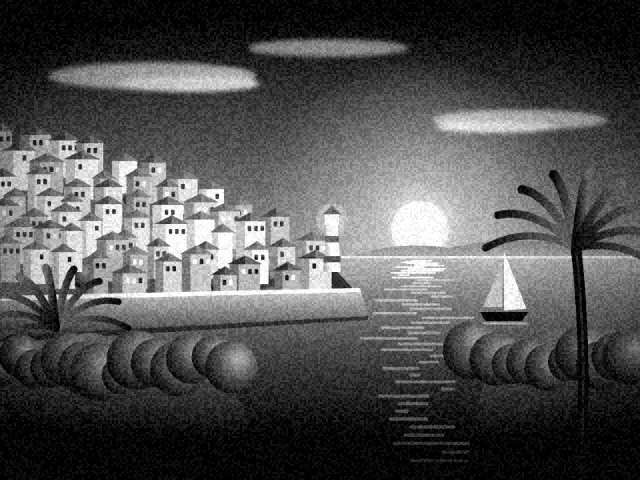
The look of classic noir
Film noir describes the dark American crime films of the 1940s and 1950s. Detectives, rainy streets and cigarette smoke were lit with strong, hard light, leaving much of the frame in shadow.
That low-key style used shadows to build tension. It still influences crime films and fashion photography today.
Its style is easy to recognize, even in a single frame.
What this preset does to your photo
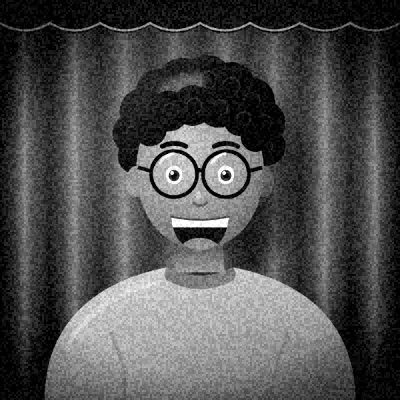
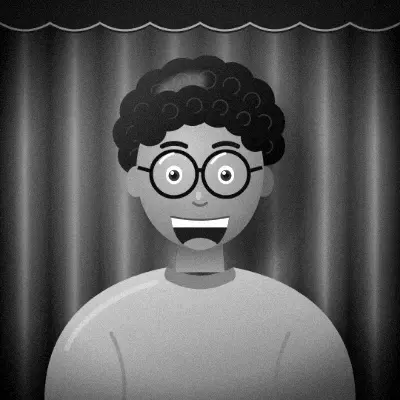
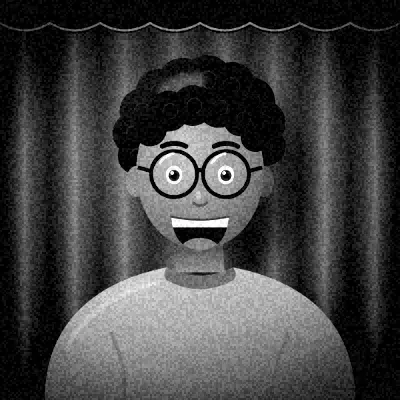
The photo is converted to monochrome, then the shadows are pushed down and the highlights lifted. With the highest contrast of any preset and slightly lower brightness, blacks go deep and whites stay bright.
A heavy vignette with a small clear center pulls attention inward, and medium grain adds film texture.
The strong contrast means detail in the darkest and brightest areas can disappear. That's normal for this style: noir was always about what you can't see as much as what you can.
How to get the best result
Use a single, hard light from the side or above, like a desk lamp. Let half your face fall into shadow. Hats, coats and dramatic poses add to the fun.
The Darkroom frame suits this perfectly. A Classic Strip of four frames lets you tell a small mystery story.
Export the animated GIF to play the four shots in sequence, like flickering frames from an old reel. It suits a scene acted out over a few seconds.
Tips
- Use one lamp, placed to the side.
- Turn your face so half is in shadow.
- Stay centered. The vignette is strong.
- Act out a scene across the four shots.
Questions
How is Noir different from the HP5 look?
Noir is darker, with harder contrast and a much heavier vignette. HP5 is a more natural black and white with lots of grain.
Why are my shadows completely black?
The preset crushes the shadows on purpose. Add more light or lower the intensity in the editor to keep detail.
Does it work in flat light?
It works, but noir depends on contrast. With flat light, faces may look grey. A single directional lamp gives far better results.