
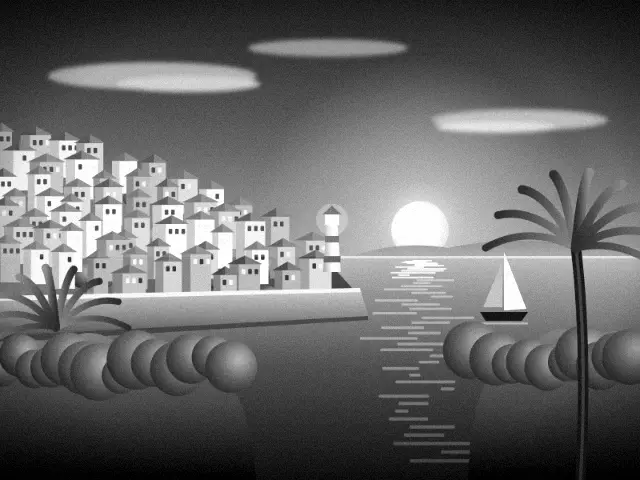
The fine-grain black and white film
Fujifilm Neopan Acros 100 was a slow black and white film famous for extremely fine grain and smooth tones. It also handled long exposures better than most films, so landscape and architectural photographers loved it.
Fujifilm discontinued the original and later released Acros II. The name now stands for crisp, clean monochrome.
It's a good pick for headshots, family portraits and anything you plan to frame.
What this preset does to your photo
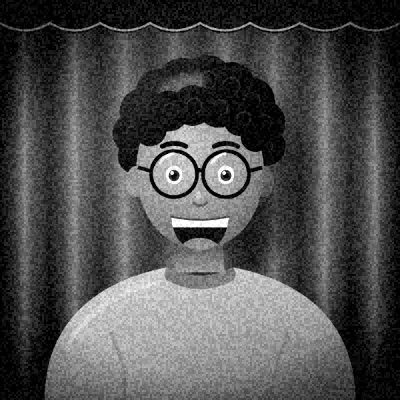
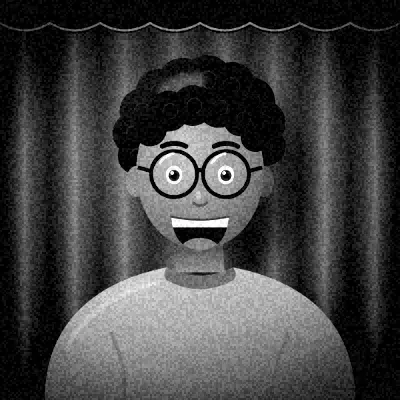
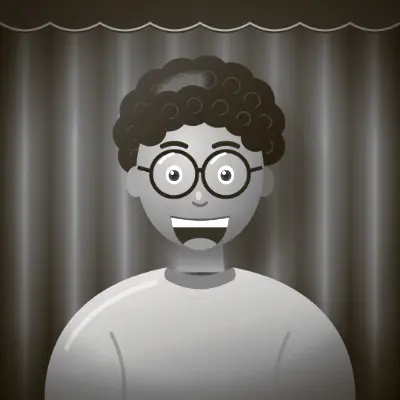
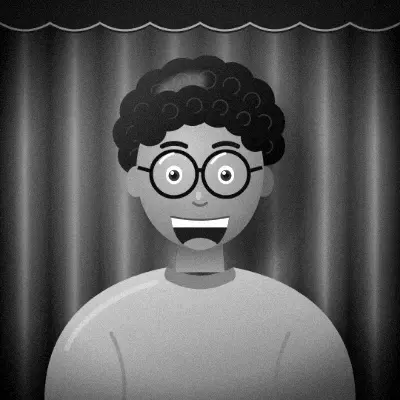
Your photo is converted to monochrome, then the midtones and highlights are lifted while the shadows are left alone. That brightens faces and keeps blacks solid. Contrast is raised moderately and brightness slightly.
Grain is very fine and the vignette is light, so the image stays clean and smooth.
Because the shadows aren't lifted or crushed, dark clothing and hair keep their detail. The overall feel is bright and polished rather than dramatic, closer to a studio print than a street photo.
How to get the best result
Soft, directional light flatters this look. A window to one side gives faces smooth gradation from light to shadow. Plain backgrounds help, since there's no grain to add texture.
The Minimal frame suits its refined feel, and the Triptych layout gives three large portraits that show off the smooth tones.
Flat, cloudy daylight works better here than with grittier black and white looks, since the lifted midtones keep faces bright. Very dark rooms are the main thing to avoid.
Tips
- Use soft window light from one side.
- Choose a plain wall behind you.
- Great for headshots and formal portraits.
- Try a calm expression in at least one frame.
Questions
How is Acros different from HP5?
Acros has much finer grain and gentler contrast. HP5 is grainier and grittier. Choose Acros for clean portraits and HP5 for a classic booth feel.
Will it make my skin look smooth?
It doesn't retouch skin, but fine grain and lifted midtones give a smooth, even impression compared with grainier looks.
Can I add color back?
Lowering the intensity slider in the editor blends in some of the original color. For a toned look, try Duotone.